Plan the week
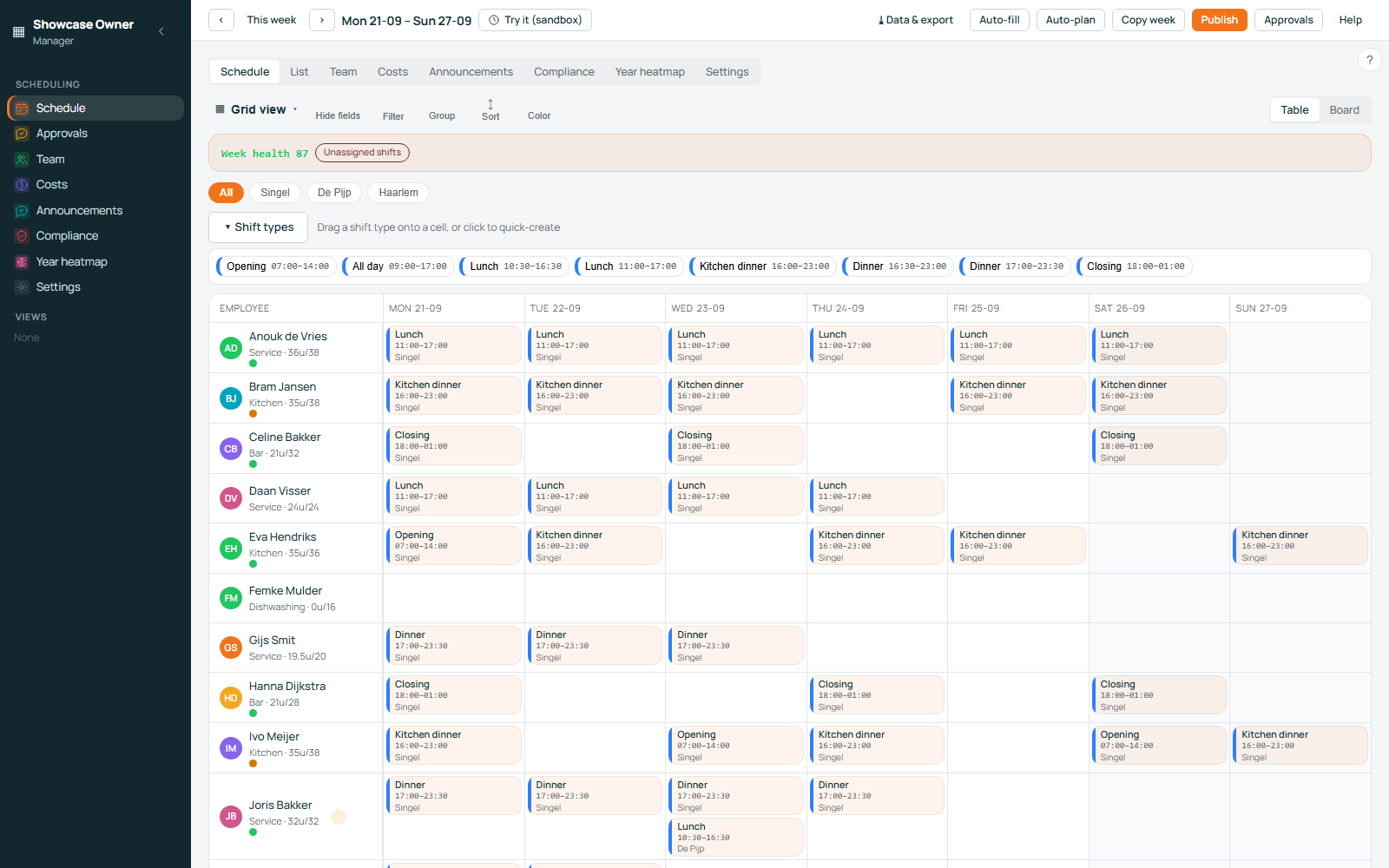
The week lives in one grid: a row per person, a column per day, and every shift on it built from a shift template you defined yourself.
You describe your business once — locations, departments, and shift templates with their own start and end times. After that, a shift is placed, moved or removed on the grid. You can build the week by hand, or let automatic planning propose one and adjust from there. Every person carries a weekly hours budget, so the grid shows you when someone is being asked for more than their week should hold while you are still moving shifts around.
When the week is right, you publish it, and the people scheduled on it are notified. Holiday and leave requests arrive in the same place, so a request is answered against the roster instead of in a separate inbox. And if you want to try a different arrangement first, the Time Machine is a sandbox for a week you have not published: change it, look at what it does to hours and cost, and discard it without touching the live schedule.
-
Locations, departments and shift templatesDefined once and reused every week, editable at any time.
-
Automatic planningA proposed week built from your templates, budgets and availability. You keep the final say.
-
Weekly hours budgetsA ceiling per person for the week, visible on the grid while you plan.
-
The Time Machine sandboxWork on a week you have not published. Nothing you try there reaches your staff.
Cover the gaps
A published week still changes. Rosterly handles the three ways a shift comes loose: nobody on it, someone who wants out, and someone who wants in.
A shift can be offered as an open shift. Your staff see it and claim it, and a planner approves the claim before anything on the roster changes. A member of staff can also put their own shift into the swap marketplace, where two shifts are matched automatically when two people each want what the other has — with a planner approving the result. When a shift is left with nobody on it, Coverage Autopilot works on that gap. And if you want to look outside your team, an open shift has a public link you can drop into a group chat: anyone can read the shift without logging in, and applying for it takes an account.
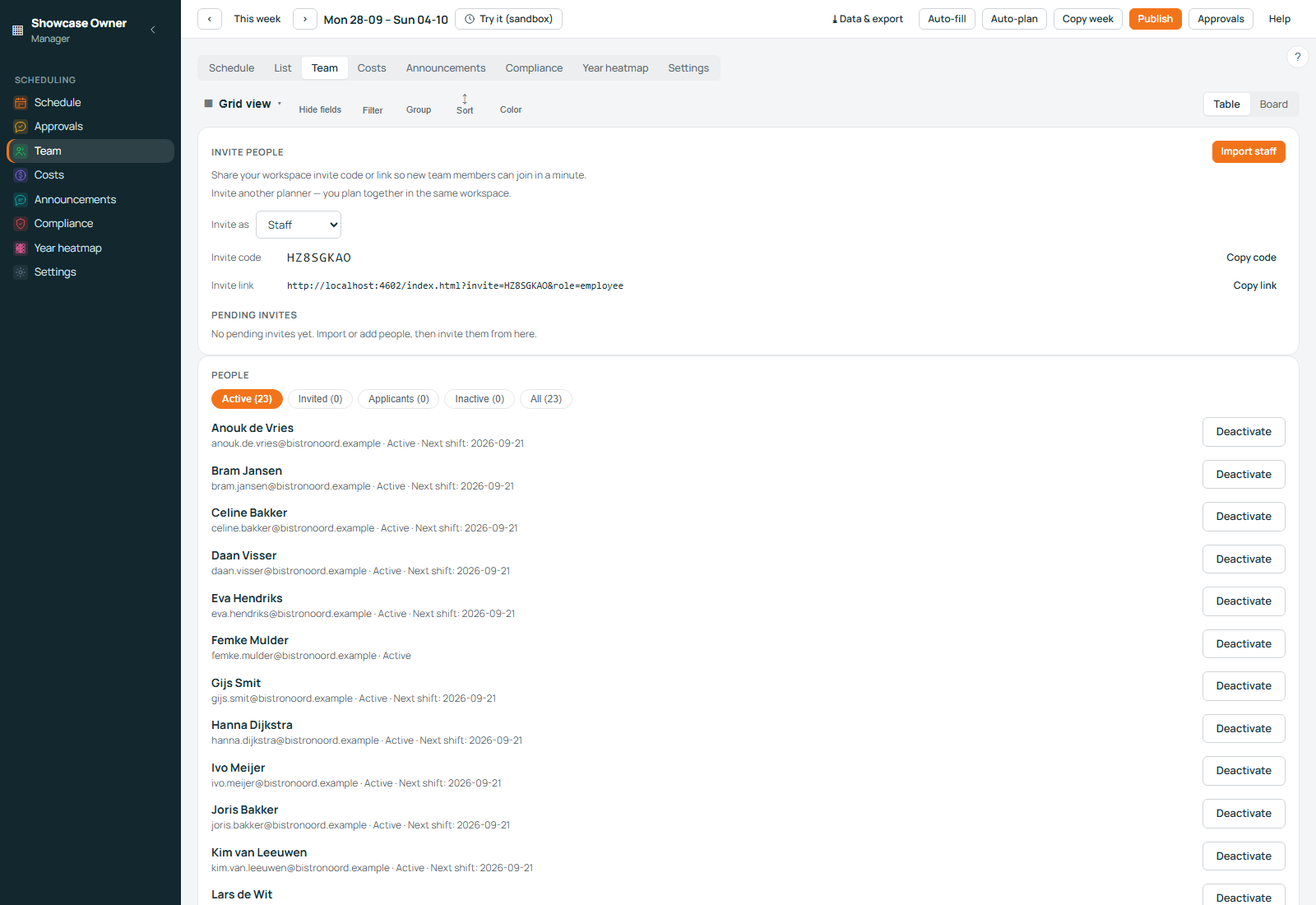
The team view answers the question staff ask most often: who is on now. A workspace can choose to show initials instead of full names. Invitations for people who have not joined yet, and applications from people who want to work for you, are handled on the same screen.
-
Open shifts with approvalStaff claim a shift; nothing is assigned until a planner approves it.
-
Swap marketplace with automatic matchingTwo people who each want what the other has are matched without anyone negotiating.
-
Coverage AutopilotWhen a shift has nobody on it, the product goes to work on that gap.
-
A public link with no loginShare one open shift in a group chat. Reading it needs no account.
-
Invitations and applicantsPeople who have not joined, and people who want to, are visible in one place.
Know what it costs
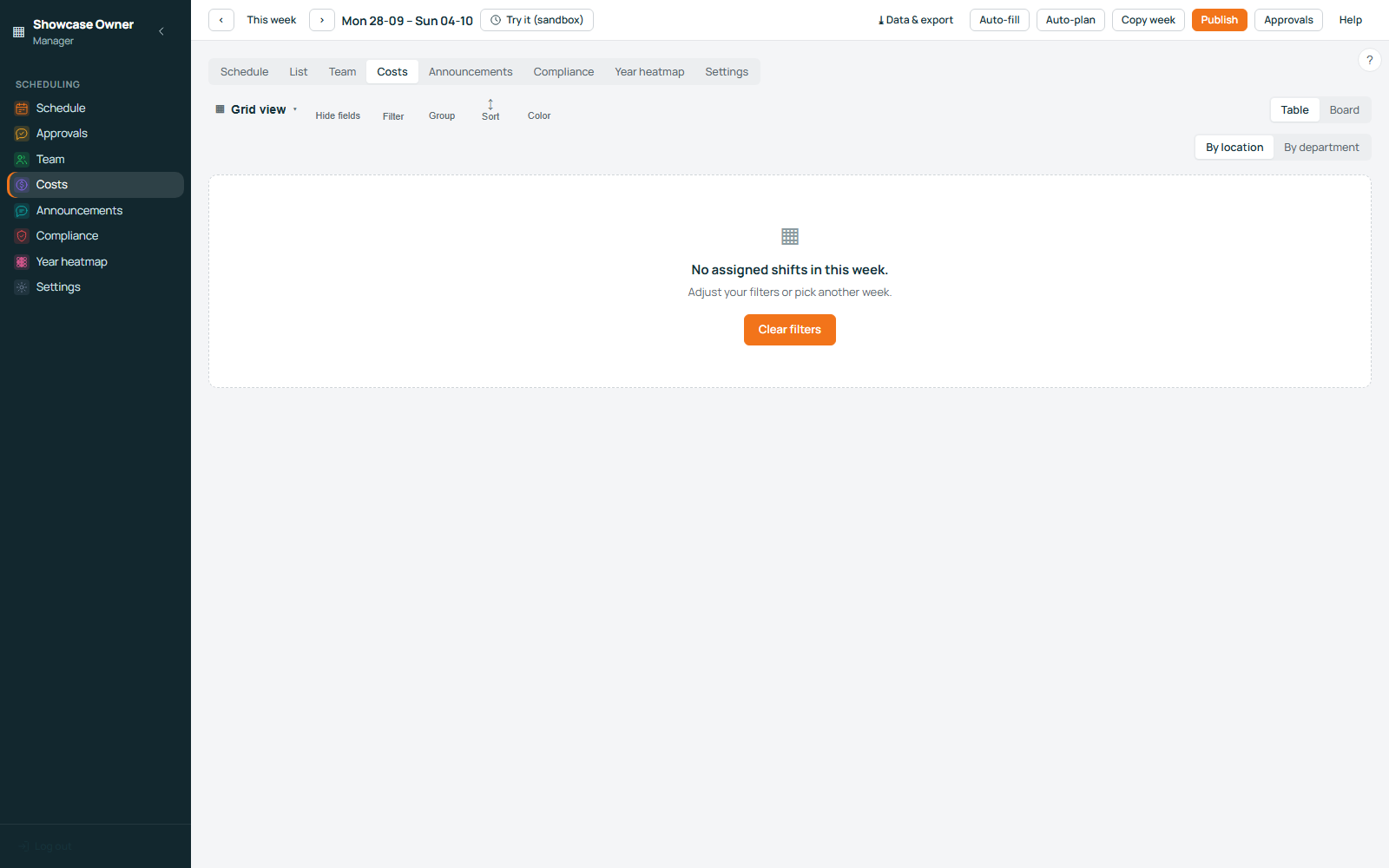
Cost is calculated while you plan, not discovered after the month has closed.
The labour cost of the week builds up as shifts are placed, with the surcharges that apply to Dutch shift work counted per calendar day: Sunday, public holidays, and the hours that fall in the night. Counting per calendar day is the part that matters, because a shift running past midnight keeps its Sunday hours on the Sunday instead of hiding them after midnight. Every day can carry a cost guardrail, so a day that goes past the limit you set is flagged while the roster is still open for changes.
The week is also measured against its budget, per location and for the workspace as a whole, and where an hourly wage is missing for someone the cost view says so instead of quietly counting them as free. These are planning figures, built from the wages and the rules you entered: they are for a week that has not been worked yet, and they are not a bookkeeping record.
-
Live labour costRecalculated as you move shifts, for each day and for the week.
-
Surcharges counted per calendar daySunday, holiday and overnight hours land on the day they actually fall on.
-
Per-day cost guardrailsA limit per day that warns you instead of surprising you at the end of the month.
Stay inside the working-hours rules
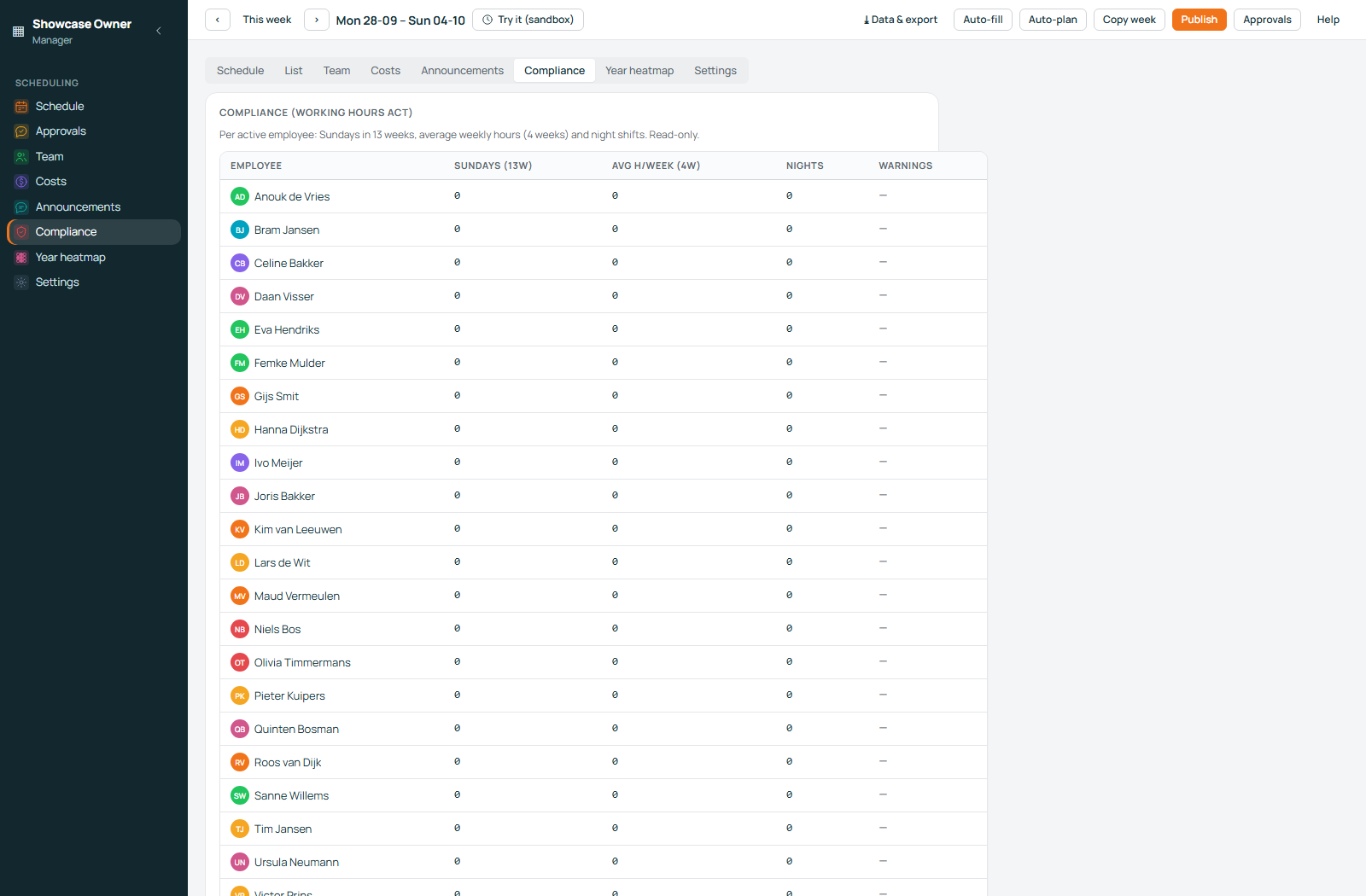
A compliance screen lists the legal warnings for the roster in front of you, person by person.
The checks are built around the Dutch Arbeidstijdenwet: daily and weekly rest, the limits on night shifts, the special rules that apply to staff under 18, and the surcharges that differ by calendar day. Findings are written in plain language and attached to the person they concern, so you can see which shift caused the problem and change the plan before the week is worked, rather than explaining afterwards. The engine that assigns shifts runs the checks on the same data, so the roster being checked is the roster you are looking at.
Everything is checked before you publish. Nothing is sent to your staff with an open warning on it.
Planning software, not legal or payroll advice
Rosterly checks a roster against the working-hours rules as they are encoded in the product. It is not a lawyer, a payroll administrator or an accountant, and it does not give legal advice or payroll advice. Read a finding as a prompt to look at the plan again, and keep your own adviser for the decisions that are theirs.
The staff side
Your staff use the same software you do, in a web app made for a phone.
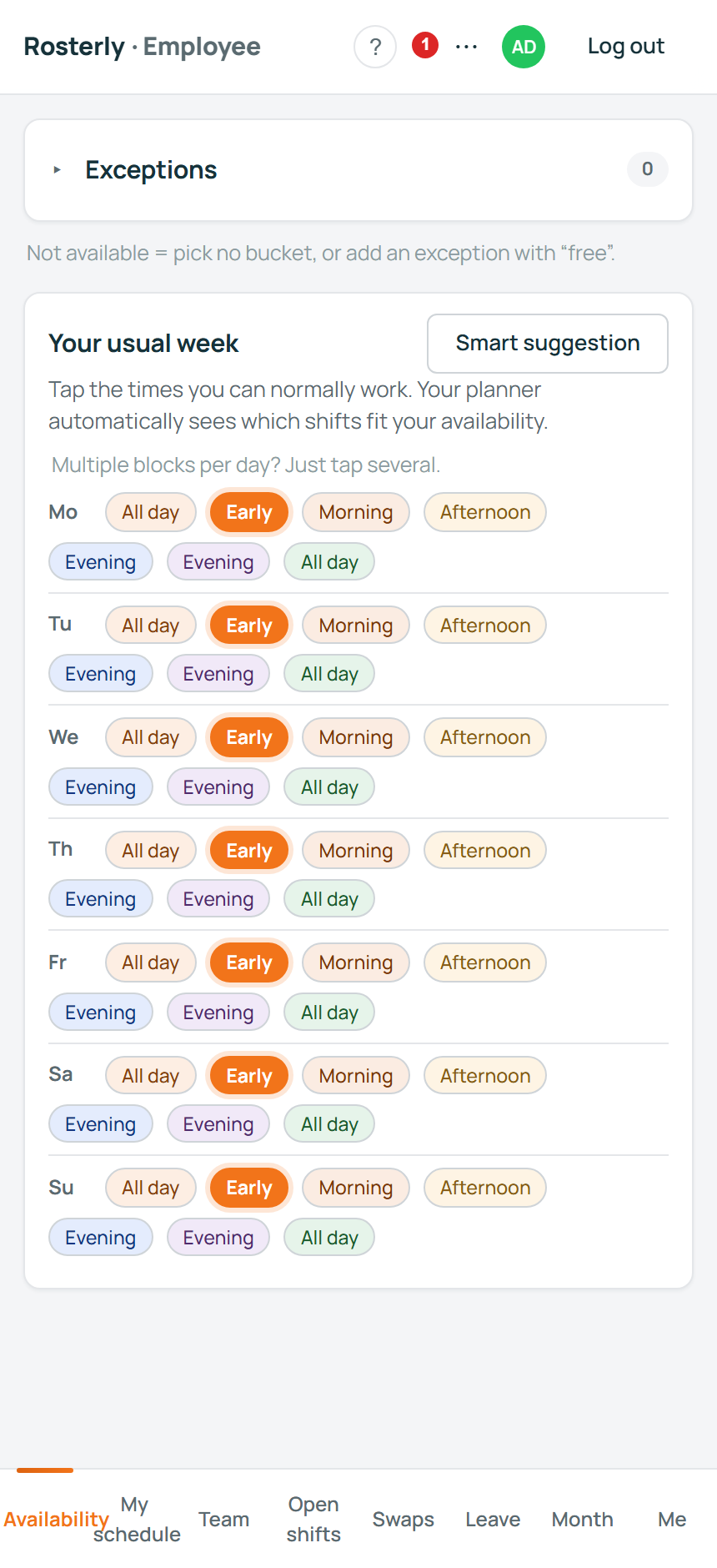
There is nothing to install from an app store: the employee app is a web page that works in a phone browser and can be installed to the phone's home screen, so it opens like any other app. From it, a member of staff sees the shifts they are on, the shifts that are open and claimable, the swaps offered on the marketplace, the team view, and their own hours against the budget set for them. Leave is requested there as well, and staff record their own availability in the same app.
Nothing about a week reaches your staff before you publish it. When you publish, the people scheduled on it are notified.
-
Installed to the home screenA web app on the same address, opened from the phone like any other app.
-
Open shifts and swapsClaim a shift, offer a shift, or take one from the marketplace.
-
Hours and budgetThe week's hours, against the budget set for that person.
-
Leave requestsRequested in the app, decided by the planner, answered against the roster.
Getting started
A workspace begins with a few questions, not an implementation project.
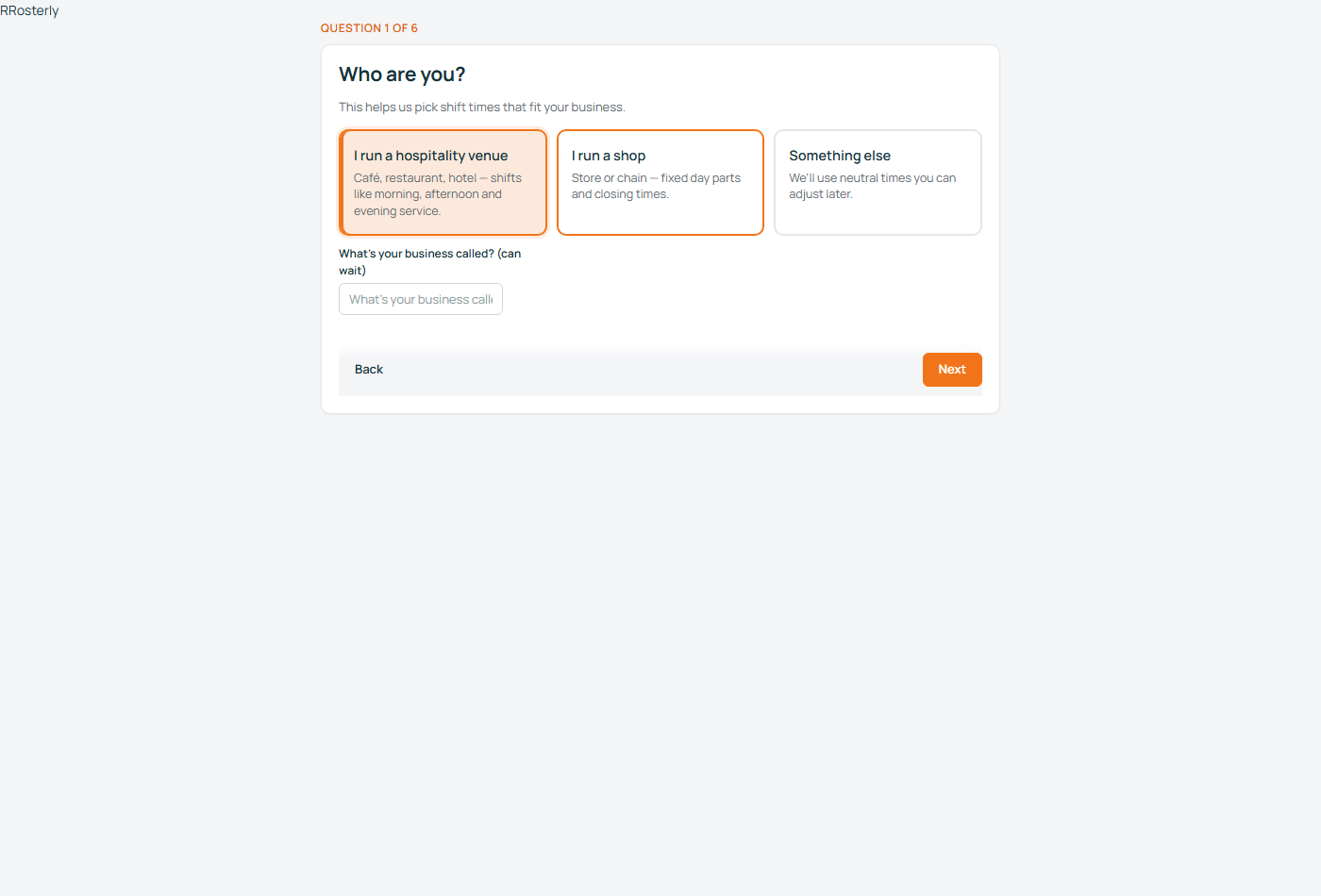
The setup wizard asks what your business looks like and builds the first version of your world from your answers: locations, departments, shift templates and the hours that go with them. Everything it creates stays editable, and nothing is hidden behind the next step. If you already keep a roster somewhere else, CSV import brings it in and accepts Dutch column names as well as English ones; the same area exports everything you have in one step.
The product is made of sixteen modules that can be switched on and off, so a workspace only shows the parts of the software that business actually uses. Staff join with an invitation, people who want to work for you can apply, and if you would rather not do the loading yourself, guided setup is available as an optional extra.
-
The setup wizardYour kind of business, your shift times, your departments, turned into a working workspace.
-
CSV in and CSV outDutch or English column names on the way in; one click exports everything you have.
-
Sixteen switchable modulesTurn off what you do not use, so the software shows only what you do.
-
Optional guided setupIf you would rather not type it in yourself, it can be loaded with you.
What Rosterly deliberately does not do
Knowing where the software stops saves everyone time.
- It is not payrollRosterly plans shifts and estimates what they cost. Payslips, tax and payroll filings stay with your payroll administration; Rosterly hands over the numbers.
- It is not an accountantThe cost figures are planning estimates for a week that has not been worked yet. They are not a bookkeeping record and they are not a financial statement.
- It is not a legal adviserThe compliance screen states what the product checks and where it found something. That is a planning aid, not legal advice, and it does not decide anything on your behalf.
- It has no till or invoicing integration yetThere is no point-of-sale connection, no invoicing, and no planning from revenue. A shift is planned from your templates and budgets, not from sales figures.
Start with your own week
You can build a workspace and plan a real week yourself, without a call or a demo booking. Billing is one line, per active employee, per month — the details are on the pricing page, and so is what is free.